
Many Ontario business owners hesitate to use online notarization because 35% incorrectly believe it lacks legal validity. This misconception causes unnecessary delays and lost opportunities. Ontario law fully supports online notarization through the Electronic Commerce Act, making it as legally binding as traditional methods. This guide will walk you through Ontario’s online notarization laws, explain the secure process step by step, and show you how to choose compliant platforms that streamline your business operations while maintaining full legal protection.
Table of Contents
- Understanding Notarization For Business Documents In Ontario
- The Online Notarization Process Explained
- Comparing Online And Traditional Notarization For Business Use
- Common Misconceptions About Notarizing Business Documents
- Practical Tips For Choosing Reliable Online Notary Services In Ontario
Key Takeaways
| Point | Details |
|---|---|
| Legal validity | Ontario’s Electronic Commerce Act fully authorizes online notarization for business documents. |
| Security features | Platforms use multifactor identity verification and encrypted digital seals for tamper resistance. |
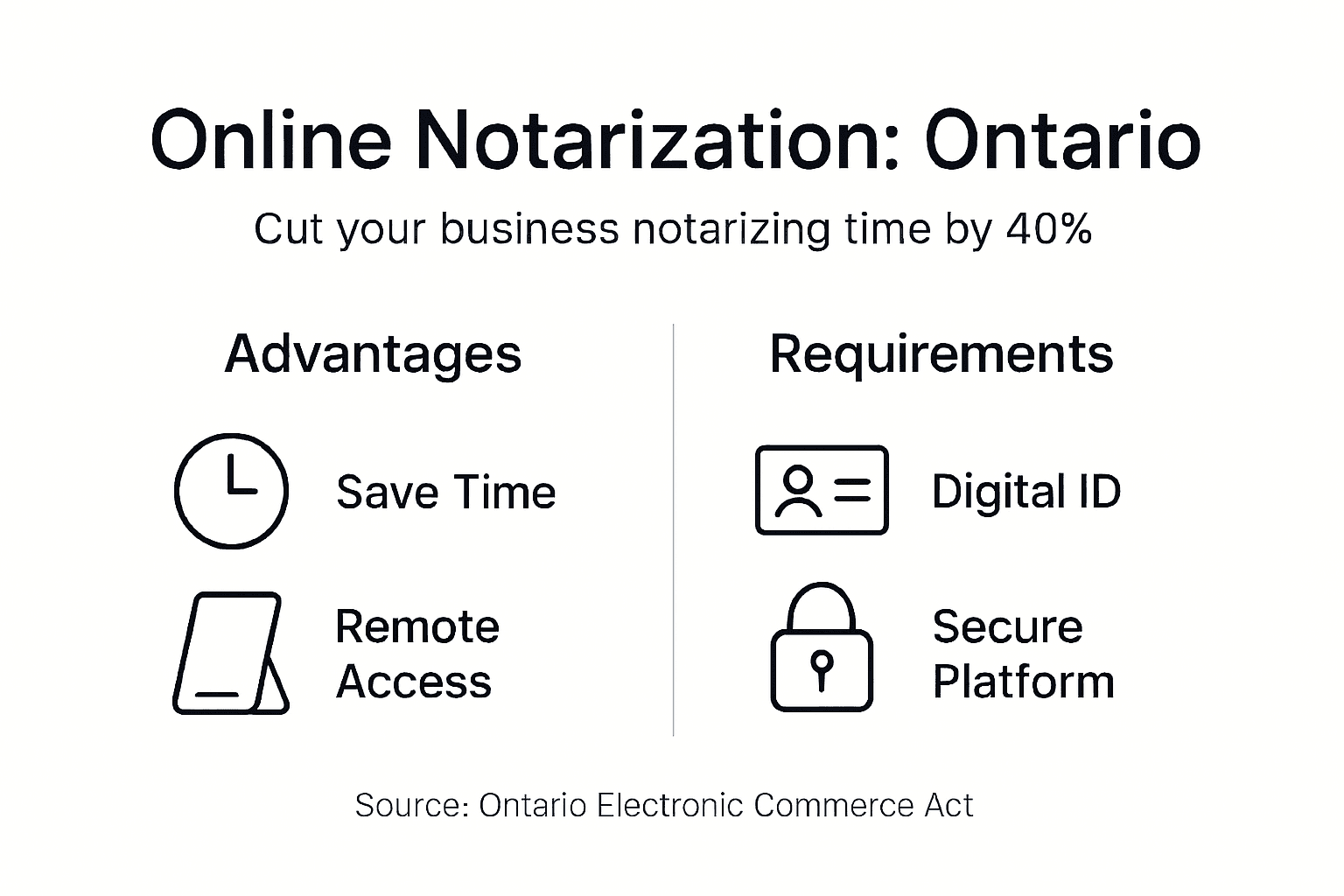
| Time savings | Online notarization reduces document processing time by 40% compared to in-person methods. |
| Compliance requirements | Choose platforms that explicitly state compliance with Ontario privacy and electronic commerce laws. |
| Common myths | Many false beliefs about online notarization cause costly business delays and missed opportunities. |
Understanding Notarization for Business Documents in Ontario
Notarization adds legal authenticity to business documents by verifying signer identity and intent. Ontario’s Electronic Commerce Act enables legal electronic notarization, giving digital signatures the same weight as handwritten ones. This law applies to most business transactions, making online notarization a practical choice for Ontario companies.
Business owners frequently need notarization for specific document types. Common examples include:
- Affidavits for court proceedings or insurance claims
- Statutory and solemn declarations for regulatory compliance
- Invitation letters for business immigration purposes
- Powers of attorney for corporate decision-making
- Corporate resolutions and director certifications
Understanding which documents require notarization prevents legal complications. For detailed guidance, check out how to notarize documents in Ontario. Proper notarization ensures your business transactions meet legal standards and withstand scrutiny during audits or disputes.
The shift to electronic notarization reflects modern business needs for speed and accessibility. Ontario’s Electronic Commerce Act provides clear rules that protect both businesses and notaries. You can trust online notarization to deliver the same legal protections as traditional methods while offering greater convenience.
The Online Notarization Process Explained
Online notarization follows a structured, secure procedure designed to meet Ontario’s legal requirements. Understanding each step helps you prepare documents efficiently and avoid common mistakes.
Here’s how the process works:
- Identify your documents: Determine which business documents need notarization based on their legal purpose and recipient requirements.
- Select a certified platform: Choose an online notary public for affidavits and declarations that explicitly states Ontario compliance.
- Complete identity verification: Submit government ID and complete multifactor digital identity verification through live video or biometric authentication.
- Upload and sign documents: Submit your documents, review them with the notary via video call, and apply your digital signature.
- Receive notarized documents: Download your notarized documents with encrypted digital seals and a complete audit trail for legal proof.
Security measures protect every transaction. Online notarization in Ontario requires secure digital signatures and tamper-evident seals that exceed traditional paper security. The video recording and identity checks create an evidence trail stronger than in-person meetings.
Pro Tip: Always confirm the platform explicitly states compliance with Ontario’s Electronic Commerce Act before uploading sensitive business documents.
The entire process typically takes 15 to 30 minutes, compared to hours or days for traditional notarization. You can complete it from your office, home, or anywhere with internet access. This flexibility makes online notarization ideal for time-sensitive business needs like urgent affidavits or immigration invitation letters.
For a comprehensive walkthrough, review online notarization guidelines in Ontario published by the Attorney General’s office. These guidelines clarify technical requirements and best practices that ensure your notarized documents hold up legally.
Comparing Online and Traditional Notarization for Business Use
Choosing between online and traditional notarization impacts your business efficiency, security, and costs. Understanding the key differences helps you make informed decisions.
Traditional notarization requires physical presence at a notary’s office during business hours. You must bring original documents, present government ID for manual verification, and wait while the notary completes paper records. Turnaround times vary based on appointment availability and document complexity. Paper records can be lost, damaged, or altered without detection.

Online notarization eliminates location and time barriers. Online processes provide multifactor authentication that verifies identity more thoroughly than visual ID checks. Encrypted digital seals prevent tampering and provide instant verification of document authenticity. Processing times drop by about 40%, allowing same-day completion for urgent business needs.
| Feature | Traditional Notarization | Online Notarization |
|---|---|---|
| Location | In-person office visit required | Remote access from anywhere |
| Availability | Limited to business hours | 24/7 service options |
| Identity verification | Visual ID check only | Multifactor digital authentication |
| Document security | Paper vulnerable to tampering | Encrypted seals with audit trails |
| Processing time | Hours to days | 15-30 minutes average |
| Record keeping | Manual paper filing | Automatic encrypted digital storage |
Security represents a major advantage for online methods. Many business owners wrongly believe in-person notarization offers better protection. In reality, online notarization’s multifactor verification creates stronger identity proof than face-to-face meetings. Video recordings and digital audit trails provide evidence that paper records cannot match.
Pro Tip: Use online notarization for urgent affidavits or immigration invitation letters to save time and maintain compliance with Ontario regulations.
Cost differences vary by provider, but online services typically charge competitive rates while delivering faster turnaround. The time savings alone often justify any price difference, especially for businesses handling multiple documents monthly. Learn more about how to get documents notarized online in Ontario to explore practical applications.
For technical details and security standards, consult electronic notarization guidelines that outline compliance requirements. These resources help you understand why online methods meet or exceed traditional security benchmarks.
Common Misconceptions About Notarizing Business Documents
Misunderstandings about notarization create unnecessary barriers for Ontario businesses. Clearing up these myths helps you make confident decisions and avoid costly delays.
Myth: Online notarization lacks legal validity in Ontario. Many business owners believe electronic notarization doesn’t carry legal weight. Ontario law expressly recognizes online notarization as legally valid and equivalent to traditional methods. Courts, government agencies, and financial institutions accept properly executed online notarizations without question.
Myth: Invitation letters never need notarization. Some assume business immigration invitation letters don’t require notarization. In reality, many immigration applications mandate notarized invitations to prove authenticity and prevent fraud. Failing to notarize when required can delay visa processing or cause application rejection.
Myth: Online notarization compromises security. Concerns about digital security lead some to prefer in-person meetings. Ontario requires robust multifactor ID verification and encrypted digital seals for online notarization. These measures provide stronger tamper resistance and identity proof than visual ID checks.
Myth: Any notary can handle Ontario business documents. Not all notaries understand business document requirements or Ontario-specific regulations. Choose notaries experienced with corporate affidavits, statutory declarations, and commercial transactions to ensure proper execution.
Key facts to remember:
- Electronic signatures hold the same legal weight as handwritten signatures in Ontario
- Video-recorded notarization sessions create stronger evidence than paper records
- Digital audit trails provide permanent verification of document authenticity
- Encrypted seals prevent unauthorized alterations after notarization
Confusion about these points leads businesses to delay important transactions or pay for unnecessary in-person services. Understanding the facts streamlines your operations and reduces compliance risks. For more clarity, explore can anyone notarize a document in Ontario.
The Electronic Commerce Act removes any ambiguity about digital notarization’s legal status. This legislation ensures your online-notarized documents receive full recognition in all legal contexts.
Practical Tips for Choosing Reliable Online Notary Services in Ontario
Selecting the right online notary platform protects your business from security risks and compliance issues. Use these criteria to evaluate potential providers.
Verify Ontario compliance. Confirm the platform explicitly states compliance with Ontario’s Electronic Commerce Act and privacy laws. Generic





