
Completing a statutory declaration online in Ontario can sound technical, and yet more people are choosing this digital route every year. You might think gathering just a single ID would do the trick, but you actually need government-issued photo identification and specific supporting documents to even get started. What surprises most is that your careful preparation at this step does way more than check a legal box. It unlocks a faster, stress-free process that can save hours of back and forth later.
Table of Contents
- Step 1: Gather Required Documentation
- Step 2: Access the Online Statutory Declaration Portal
- Step 3: Complete the Statutory Declaration Form
- Step 4: Submit the Form and Pay Any Fees
- Step 5: Verify Submission Confirmation
Quick Summary
| Key Point | Explanation |
|---|---|
| 1. Gather Essential Documents | Assemble valid government ID and supporting documents to verify identity and statements for your declaration. |
| 2. Use a Trusted Online Portal | Choose a reputable, secure platform authorized for processing statutory declarations in Ontario for safety and compliance. |
| 3. Fill Out the Declaration Accurately | Enter personal information and facts precisely to ensure legality and avoid submission errors or rejections. |
| 4. Complete Payment and Submission | Review documents, pay applicable fees, and submit the declaration for processing; keep records of transactions. |
| 5. Verify Submission Status | Check for confirmation emails and monitor the processing status online to ensure everything is on track. |
Step 1: Gather Required Documentation
Preparing the right documentation is the foundational step in completing a statutory declaration online in Ontario. The documentation you collect will serve as critical evidence supporting the facts you are formally declaring. Understanding what materials you need and how to organize them will streamline your entire process.
Your primary goal in this initial stage is to assemble a comprehensive set of documents that verify your identity and substantiate the statements you will be making. Learn more about document verification requirements to ensure you are fully prepared.
For a statutory declaration, you will need several key pieces of documentation. Government issued photo identification is mandatory. This means bringing a valid driver’s license, passport, permanent resident card, or other official government ID that clearly displays your full legal name, photograph, and current address. Ensure your identification is current and not expired.
In addition to personal identification, you will need supporting documentation specific to the nature of your statutory declaration. These supplemental documents might include marriage certificates, birth records, property deeds, academic transcripts, or professional certifications depending on the purpose of your declaration. Each document should be original or certified true copies to maintain legal authenticity.
Prepare digital copies of these documents in a clear, readable format. High resolution scans or photographs that capture the entire document without cutting off edges are recommended. Most online platforms require PDFs or image files like JPEG or PNG. Ensure file sizes meet the specified upload requirements and that text and images are legible.
Before proceeding, carefully review all gathered documents to confirm they comprehensively represent the facts you will be declaring. Cross reference each document against the specific requirements for your particular statutory declaration type. This meticulous preparation prevents potential delays or rejections in the online submission process.
Successful document collection means having:
- Clear, valid government photo identification
- Supporting documents relevant to your declaration
- Digital copies in acceptable file formats
- All documents current and legally valid
By methodically assembling these materials, you set a solid foundation for completing your statutory declaration efficiently and accurately.
The following table summarizes the types of documentation you need to gather before starting your online statutory declaration in Ontario, including their purposes and format requirements.
| Document Type | Purpose | Format and Requirements |
|---|---|---|
| Government-issued Photo ID | Verify identity and legal name | Valid, unexpired; digital copy (PDF/JPG/PNG) |
| Supporting Documentation | Substantiate the declaration’s facts | Original or certified copy; clear digital format |
| Proof of Address (if needed) | Confirm current residence | Must match ID; clear, legible scan or photo |
| Additional Certificates | Support specific declaration purposes | E.g., marriage, birth, academic; readable digital |
| Digital File Preparation | Ensure upload compatibility | High resolution, complete, acceptable file type |
Step 2: Access the Online Statutory Declaration Portal
Accessing the online statutory declaration portal marks your official entry into the digital declaration process. This critical step transforms your preparation into actionable progress. Learn more about declaration fundamentals to better understand the broader context of your submission.
Begin by selecting a reputable online platform authorized to process statutory declarations in Ontario. Typically, this means choosing a licensed online notary service that meets provincial legal standards. Your chosen platform should offer secure, encrypted connections and demonstrate compliance with Ontario’s digital documentation regulations.
To initiate access, you will need to create a user account. This process requires providing basic personal information that matches the identification documents you assembled in the previous step. Accuracy is paramount. Enter your details exactly as they appear on your government issued photo identification. Minor discrepancies can trigger verification delays or potential rejection.
Password creation is a crucial security step. Select a strong, unique password that combines uppercase and lowercase letters, numbers, and special characters. Avoid using personal information like birthdates or common words. Many platforms will provide real time password strength feedback to help you create a robust access credential.
Most online statutory declaration portals will request additional verification to confirm your identity. This might include answering security questions, providing secondary identification details, or completing a brief digital identity verification process. Some platforms use advanced techniques like video verification or cross referencing government databases to ensure authenticity.
Once your account is established, you will typically need to:
- Confirm your email address through a verification link
- Set up two factor authentication if available
- Review and accept the platform’s terms of service
- Prepare your digital documents for upload
Before proceeding, carefully review the platform’s technical requirements. Confirm your computer or mobile device meets necessary specifications such as supported web browsers, minimum screen resolution, and required software plugins. Some platforms offer compatibility checkers to streamline this process.
Successful portal access means you have a verified account, understand the platform’s navigation, and are ready to upload your statutory declaration documents. Each subsequent step becomes smoother once you have completed this foundational access process.
Step 3: Complete the Statutory Declaration Form
Completing the statutory declaration form requires precision, honesty, and careful attention to detail. This step transforms your gathered documentation and personal information into a legally binding document. Learn more about who can sign statutory declarations to understand the legal implications of your submission.
Accuracy is the cornerstone of a valid statutory declaration. Begin by reading the entire form thoroughly before entering any information. Each section demands your full concentration and an understanding of the specific facts you are formally declaring. Pay close attention to the language and ensure your statements are clear, concise, and directly address the purpose of your declaration.
Start by entering your personal information exactly as it appears on your government issued identification. This includes your full legal name, current address, and any other identifying details requested. Consistency between your supporting documents and the declaration form is crucial. Even minor discrepancies can potentially invalidate your entire submission.
The core of the statutory declaration is the statement of facts. This is where you articulate the specific circumstances or information you are officially declaring. Write your statements in straightforward, direct language. Avoid ambiguous or interpretive language. Each statement should be factual, verifiable, and relevant to the purpose of your declaration.
Carefully review the declaration’s specific requirements. Some forms might require additional context or supporting explanations for certain statements. Take time to provide comprehensive yet precise information. If a section seems unclear, many online platforms offer guidance tooltips or help sections to assist you in completing the form correctly.
Before finalizing your form, you will need to confirm the truthfulness of your statements. This typically involves:
- Reviewing every entered detail for accuracy
- Confirming all required fields are completed
- Ensuring supporting documentation matches declared information
- Understanding the legal implications of your declaration
Digital forms often include built in validation checks to help you identify and correct potential errors. These might include formatting requirements, mandatory field alerts, or cross referencing checks. Utilize these tools to streamline your submission process and minimize potential rejection risks.
Successful form completion means you have provided a clear, honest, and legally sound representation of the facts you are declaring. Each carefully entered detail moves you closer to finalizing your statutory declaration online.
Step 4: Submit the Form and Pay Any Fees
Submitting your statutory declaration represents the culmination of your careful preparation and documentation process. This critical step transforms your completed form into an official legal document. Learn more about the legal nuances of document submission to understand the broader context of your declaration.
Payment processing is an integral part of the submission workflow. Most online platforms require a fee for processing your statutory declaration. These fees can vary depending on the complexity of your declaration, the specific type of document, and the platform you are using. Prepare to pay using standard digital payment methods such as credit cards, debit cards, or secure online payment systems.
Before initiating the payment, carefully review the total cost and any additional service charges. Some platforms might offer different service levels with varying processing times and fees. Verify that you understand the pricing structure and select the option that best meets your specific needs and timeline.
When preparing to submit, double check all uploaded documents and completed form sections. Many online platforms provide a final review screen that allows you to confirm all details before proceeding with payment and submission. Take this opportunity to perform a comprehensive final review. Verify that all personal information, supporting documents, and declaration statements are accurate and complete.
The payment process typically involves entering your payment method details and confirming the transaction. Ensure you are using a secure connection and a trusted payment gateway. Look for security indicators like https in the web address and secure payment icons. Some platforms might require additional verification steps to prevent fraudulent transactions.
After completing your payment, you should receive immediate digital confirmation. This confirmation usually includes:
- A unique transaction or reference number
- A digital receipt for your records
- Estimated processing time for your statutory declaration
- Next steps in the verification process
Make sure to save or download this confirmation for your personal records. Some online platforms will also send a duplicate confirmation to the email address associated with your account. Retain all digital receipts and confirmations as proof of your submission and payment.
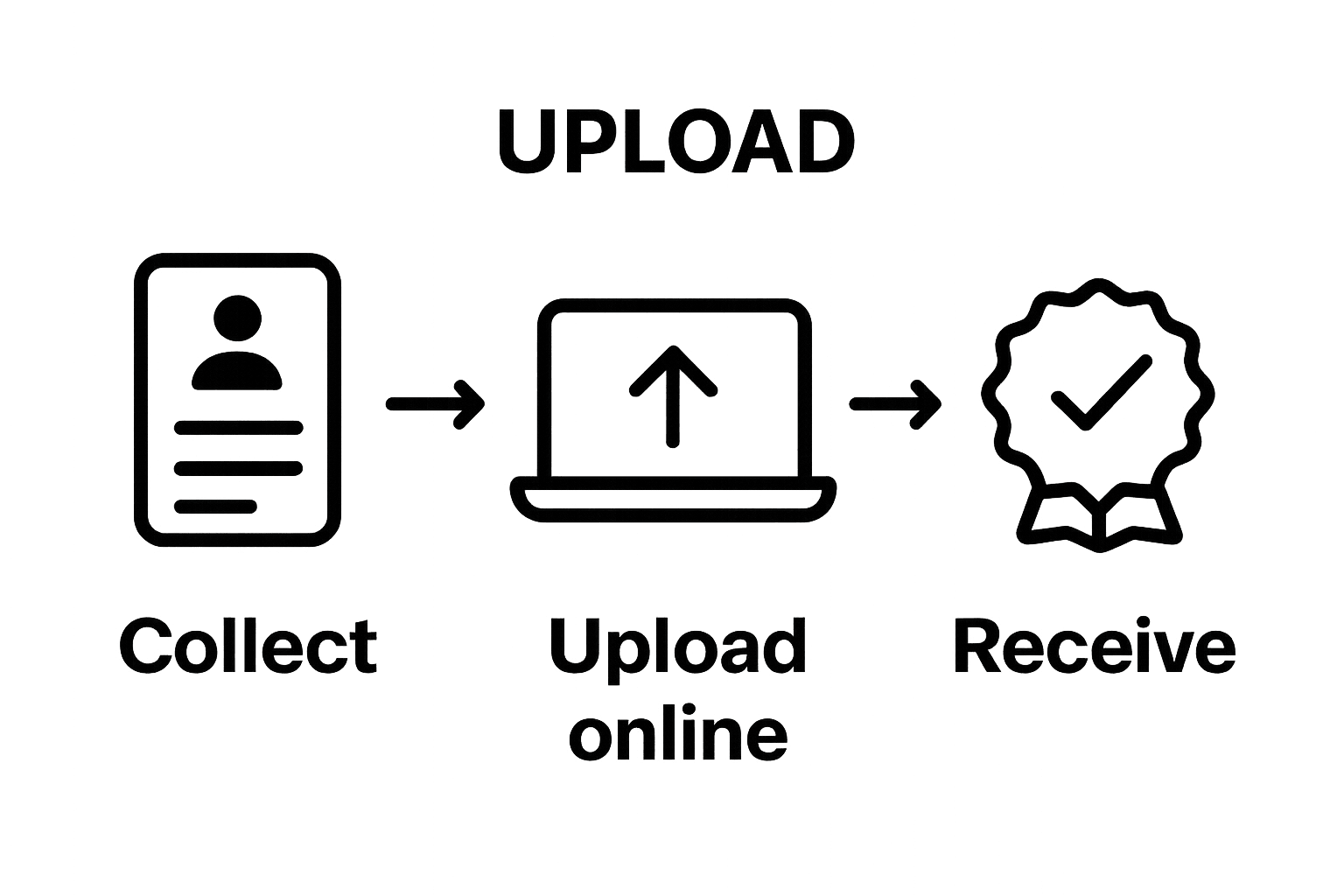
Successful submission means you have securely transmitted your completed statutory declaration, paid the required fees, and received official acknowledgment of your document’s processing. This final step brings you closer to obtaining your legally recognized statutory declaration.
Step 5: Verify Submission Confirmation
Verifying your submission confirmation represents the final critical checkpoint in your online statutory declaration process. This step ensures your documentation has been properly received and is progressing through the official channels. Explore the nuanced details of declaration processing to better understand the verification journey.
Immediate digital confirmation is your first verification milestone. Most online platforms will generate an automatic confirmation screen or email immediately after successful submission. This initial confirmation typically includes a unique reference number, submission timestamp, and preliminary processing status. Carefully screenshot or save this digital confirmation as your first official record.
Check the email address associated with your account for a comprehensive submission confirmation. This email will often contain more detailed information about your statutory declaration’s processing trajectory. Some platforms provide estimated processing times, additional reference numbers, and instructions for tracking your document’s progress.
Carefully review all confirmation details to ensure absolute accuracy. Verify that your personal information, submission date, and reference numbers are correct. Any discrepancies should be immediately reported to the platform’s customer support team. Minor errors at this stage could potentially delay your entire declaration processing.
Most online statutory declaration platforms offer digital tracking capabilities. This means you can typically log into your account and monitor your submission’s status in real time. Look for specific status indicators such as “Received”, “Under Review”, or “Processing”. These digital tracking tools provide transparency and peace of mind throughout the verification process.
Additional verification steps might include:
- Checking your email for follow up communications
- Logging into your account to review submission status
- Keeping your reference number readily accessible
- Monitoring processing timelines
Technical platforms often send multiple confirmation signals. Beyond the initial submission confirmation, you might receive additional verification emails, SMS notifications, or in platform updates. Each of these represents a layer of documentation confirming your statutory declaration’s progression.
Successful verification means you have comprehensive documentation of your submission, understand its current processing status, and have multiple reference points to track its journey. Maintaining organized records of all confirmations provides you with a clear audit trail and peace of mind throughout the statutory declaration process.
This table lists the verification and follow-up steps to complete after submitting your statutory declaration online, helping you stay organized and avoid delays.
| Verification Step | What to Check | Why It Matters |
|---|---|---|
| Save Digital Confirmation | Reference number, timestamp | Proof of submission and tracking |
| Check Email for Full Confirmation | Detailed receipt, status information | Ensures your declaration is being processed |
| Log Into Account for Status Updates | Progress indicators, updates | Monitor real-time progress |
| Verify Personal Details in Records | Name, date, reference numbers | Prevents identity or tracking errors |
| Monitor Email/SMS for Follow-Ups | Further instructions or issues | Ensures no requests are missed |

Overcome Online Statutory Declaration Stress with Trusted Support
Completing a statutory declaration online can be stressful if you do not have the right guidance or support. Gathering documents, understanding legal requirements, and confirming your submission can leave you feeling overwhelmed or anxious about making a mistake. You deserve a process that is secure, reliable, and easy to complete from home.
Our team at The Online Notary understands these challenges and offers a seamless solution tailored for Ontario residents. Whether you need help with identity verification, uploading digital documents, or finalizing your statutory declaration, our dedicated services are built for your peace of mind.

Take control of your legal declarations today. Visit The Online Notary to start your statutory declaration confidently and experience simple, secure guidance from start to finish.
Frequently Asked Questions
What documentation do I need to complete a statutory declaration online?
You need government-issued photo identification and supporting documents relevant to your declaration, which may include marriage certificates, birth records, or property deeds.
How do I access the online statutory declaration portal?
To access the portal, select a reputable online platform authorized to handle statutory declarations, create an account with your personal information, and follow the verification steps provided.
What should I do if I find errors in my statutory declaration form before submission?
Before submitting, carefully review all entered details for accuracy. Make necessary corrections and ensure that supporting documentation matches the information declared.
What happens after I submit my statutory declaration?
After submission, you will receive an immediate confirmation, including a unique reference number and processing details. You can also track the status of your submission through the online portal.
Recommended
- Understanding Who Signs Statutory Declarations in Ontario – The Online Notary
- Understanding Affidavit vs Statutory Declaration – The Online Notary
- What is a Declaration? Understanding Its Importance – The Online Notary
- The Complete Guide to Using an Online Notary Public for Affidavits and Declarations in Ontario (2025) – The Online Notary





