
Finding the right way to get legal documents notarized online can feel confusing, especially if you are new to the process in Ontario. Understanding the steps to prepare and verify your paperwork helps avoid costly mistakes and delays for both individuals and small businesses. This guide breaks down each phase so you can confidently complete online notarization with accurate documents, secure platforms, and reliable technology.
Table of Contents
- Step 1: Collect Required Personal and Legal Documents
- Step 2: Select a Reliable Online Notary Platform
- Step 3: Set Up Your Technology and Internet Connection
- Step 4: Verify Your Identity and Upload Documents
- Step 5: Complete the Online Notarization Session
- Step 6: Confirm Notarization and Download Your Documents
Quick Summary
| Key Point | Explanation |
|---|---|
| 1. Prepare Required Documents | Gather all necessary personal and legal documents carefully to ensure a smooth online notary process. |
| 2. Choose a Reliable Notary Platform | Select a reputable online notary service that complies with legal standards and prioritizes security features. |
| 3. Set Up Technology Properly | Ensure your technology and internet connection meet professional standards for clear audiovisual communication during the session. |
| 4. Verify Identity Accurately | Confirm your identity with the required documents before the session to comply with legal protocols. |
| 5. Confirm and Download Notarized Documents | After the session, verify the notarization details and securely download your documents for future use. |
Step 1: Collect Required Personal and Legal Documents
Preparing for an online notary appointment requires gathering the right documents efficiently and accurately. The success of your notarization depends on having a complete and organized document package that meets legal standards.
Your document collection should focus on original, unaltered materials that clearly verify your identity and the purpose of notarization. Collecting civil documents involves obtaining original or certified copies issued by official authorities. Here are the key documents you’ll typically need:
- Government-issued photo identification (passport, driver’s license)
- Original legal documents needing notarization
- Supporting identification documents
- Proof of address (utility bill, bank statement)
When preparing your documents, pay special attention to these critical details:
Here’s a summary of document requirements and their importance for online notarization:
| Document Type | Why It’s Required | Common Issues |
|---|---|---|
| Government-issued ID | Confirms your identity | Name mismatch, expiration |
| Notarization target document | Provides legal proof | Alterations, poor condition |
| Proof of address | Verifies residency | Outdated, unclear details |
| Certified translation | Ensures language clarity | Missing certification, poor quality |
This table helps clarify the purpose and pitfalls of each document type in the notarization process.
- Ensure all documents are unaltered and in good condition
- Check that names match exactly across all identification
- Verify that documents are not expired
- Have translations certified for non-English documents
Important: Bring unsigned documents to your online notary appointment. The notary will witness your signature during the session.
Pro tip: Create a digital folder with high-quality scans of all your documents to streamline your online notarization process.
Step 2: Select a Reliable Online Notary Platform
Choosing the right online notary platform is crucial for ensuring a secure and legally recognized document authentication process. Online notarization technologies have evolved to provide reliable audio-visual communication methods that meet rigorous legal standards.
When evaluating online notary services, consider these essential criteria:
- Legal compliance with provincial and federal regulations
- Security features protecting your personal information
- User-friendly interface for smooth document upload
- Technical support availability
- Pricing transparency
Your selection process should involve several key steps:
- Research platform credentials and legal certifications
- Compare service offerings across multiple providers
- Check user reviews and testimonials
- Verify technical requirements for your device
Important: Confirm the platform meets Ontario’s specific online notarization legal framework before proceeding.
Pro tip: Schedule a brief test run with the platform’s customer support to understand their process and confirm compatibility with your documents.
Compare essential features for choosing an online notary platform:
| Evaluation Criteria | Business Impact | Red Flags |
|---|---|---|
| Legal compliance | Ensures validity | No regulatory approval |
| Security measures | Protects client data | Weak encryption |
| Interface usability | Reduces errors | Confusing steps |
| Support availability | Troubleshooting ease | Slow response times |
| Pricing transparency | Budget planning | Hidden fees |
This table highlights how each platform feature affects your notarization experience.
Step 3: Set Up Your Technology and Internet Connection
Preparing your technology for an online notary session requires careful attention to detail and ensuring your digital setup meets professional standards. Remote online notary technology demands reliable communication tools that support clear audiovisual interactions and maintain document security.
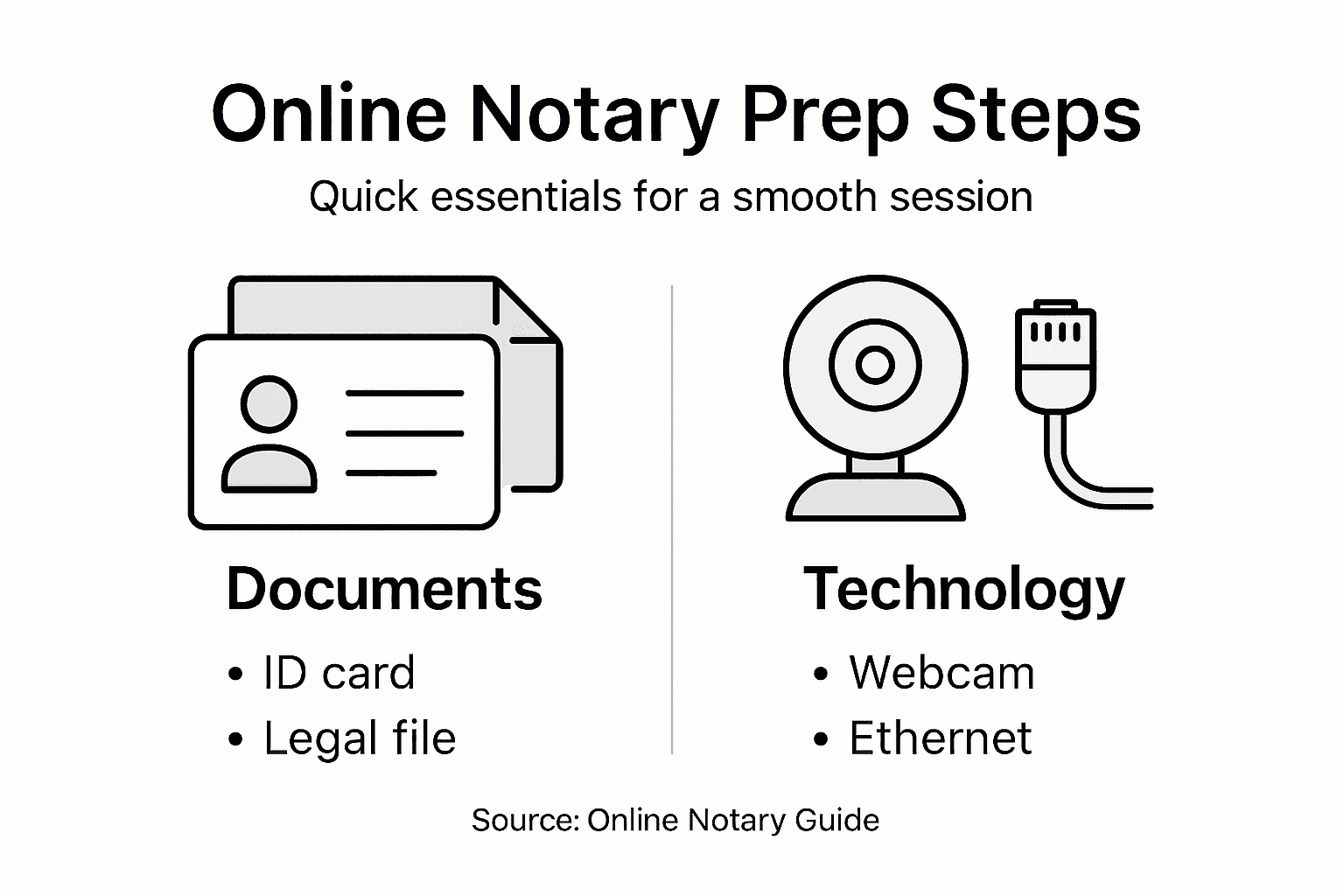
To guarantee a smooth online notarization experience, check these technical requirements:
- High-speed internet connection (minimum 5 Mbps upload/download)
- Updated web browser (Chrome, Firefox, or Safari)
- Working webcam with clear video quality
- Functional microphone for clear audio communication
- Quiet, well-lit private space for your session
Your technical preparation should include these specific steps:
- Test your internet speed using online speed test tools
- Update your device’s software to the latest version
- Check camera and microphone settings
- Perform a practice video call to verify equipment
Important: Unstable internet or poor technical setup can interrupt your online notarization process.
Pro tip: Use a wired ethernet connection instead of wifi to ensure the most stable internet connection during your online notary session.

Step 4: Verify Your Identity and Upload Documents
Verifying your identity is a critical step in the online notarization process that ensures legal compliance and document security. Identity proofing protocols require precise documentation and verification methods to authenticate your personal information effectively.
Prepare for your identity verification by gathering these essential documents:
- Government-issued photo identification
- Proof of residential address
- Social security number or equivalent
- High-quality digital copies of documents
- Smartphone or webcam for selfie verification
Follow these specific steps for successful document upload and identity verification:
- Scan or photograph documents in high resolution
- Ensure all document details are clearly visible
- Match your selfie to identification photo
- Review document clarity before submission
Important: Document quality and accuracy are crucial for successful online notarization.
Pro tip: Use a solid white background and good lighting when taking document photos to maximize image clarity and acceptance.
Step 5: Complete the Online Notarization Session
Your online notarization session represents the final critical stage of authenticating your legal documents. Online notarization procedures require precise steps to ensure legal compliance and document validity.
During the session, you will navigate through several important verification and authentication processes:
- Confirm your identity with submitted documents
- Participate in live video interaction
- Answer verification questions
- Review document contents
- Sign documents electronically
Follow these specific steps to successfully complete your online notarization:
- Position yourself clearly in the video frame
- Have your identification ready
- Listen carefully to notary instructions
- Sign documents as directed
- Verify all details before final submission
Important: Maintain a professional demeanor and clear communication throughout the notarization session.
Pro tip: Test your video and audio equipment immediately before the session to avoid last-minute technical complications.
Step 6: Confirm Notarization and Download Your Documents
After completing your online notarization session, the final step involves securely confirming and retrieving your legally authenticated documents. Document authentication services provide critical verification to ensure your paperwork meets legal standards.
Follow these steps to successfully confirm and download your notarized documents:
- Verify the notary’s electronic seal
- Review all document details
- Check digital signature authenticity
- Confirm timestamp of notarization
- Download official copies
Complete the document retrieval process through these specific actions:
- Log into the notary platform
- Navigate to completed documents section
- Select the specific notarized document
- Download PDF with official markings
- Save multiple backup copies
Important: Always maintain digital and physical copies of your notarized documents for future reference.
Pro tip: Create secure, encrypted backups of your notarized documents in multiple locations to prevent potential loss.
Simplify Your Online Notarization Journey with Trusted Support
Preparing for an online notary appointment involves critical steps like gathering proper identification, selecting a reliable platform, and setting up your technology. These challenges can feel overwhelming when you need prompt and secure notarization for affidavits, invitation letters, or statutory declarations in Ontario. Don’t let confusion or technical hurdles delay your important documents.

Experience stress-free online notarization with The Online Notary where you can access expert services designed to handle every step professionally. Whether you need help with identity verification or final document authentication our team ensures a smooth process that meets Canadian legal standards. Visit our Uncategorized – The Online Notary page to learn more about how we can assist you and take control of your notarization needs today.
Frequently Asked Questions
What documents do I need to prepare for an online notary appointment?
You will need a government-issued photo identification, original legal documents for notarization, supporting identification, and proof of address. Gather these documents to ensure your notarization process is smooth and meets legal standards.
How can I verify that my online notary platform is secure and legally compliant?
To verify the security and legal compliance of your selected online notary platform, check for credentials, certification, and user reviews. Ensure that the platform adheres to both provincial and federal regulations to protect your personal information.
What technology do I need for a successful online notarization?
Ensure you have a high-speed internet connection, an updated web browser, a working webcam, and a functional microphone. Prepare a quiet, well-lit space for your session to facilitate clear communication with the notary.
How do I confirm and retrieve my notarized documents after the session?
After completing your online notarization session, log into the notary platform and navigate to the completed documents section. Verify the notary’s electronic seal and download the official copies of your notarized documents for future use.
What should I do if my online notarization session experiences technical difficulties?
If you encounter technical difficulties during your online notarization session, communicate with the notary about the issue and follow their instructions for resolution. Test your equipment and internet connection beforehand to minimize potential disruptions during the session.
How can I prepare for identity verification during the online notarization process?
Gather your government-issued photo ID, proof of residential address, and high-quality digital copies of necessary documents. Ensure your selfie matches your identification photo for smooth identity verification.





