
Securing business contracts should never come with uncertainty or last-minute chaos. For many Ontario business owners, understanding the steps to online notarization is vital for protecting company interests and ensuring every signature holds up under scrutiny. This guide will walk you through preparing your documents, choosing trusted notary platforms, and highlighting the importance of notarization as legal verification of signature authenticity and willingness for peace of mind in every business transaction.
Table of Contents
- Step 1: Gather Required Documents And Verify Identities
- Step 2: Select A Trusted Online Notary Service
- Step 3: Upload Business Contracts For Online Review
- Step 4: Complete The Notarization Session With A Notary
- Step 5: Confirm Notarization And Download Certified Contracts
Quick Summary
| Major Insight | Explanation |
|---|---|
| 1. Gather all required documents | Collect the original contract, valid IDs, and supporting documents to ensure smooth notarization without delays. |
| 2. Choose a trusted online notary service | Select a platform that meets regulatory requirements and offers strong security features for your business contracts. |
| 3. Upload documents for early review | Submit your contract for review at least 24 hours in advance to catch any issues and confirm everything is ready for notarization. |
| 4. Complete the notarization session | Log in early, have your ID ready, and follow the notary’s instructions during the video session for a successful notarization. |
| 5. Confirm and secure your notarized contract | Download and verify your notarized document immediately after the session, ensuring it includes all required elements for future use. |
Step 1: Gather required documents and verify identities
Before you bring your business contract to a notary, you need to gather everything required and prepare for identity verification. This step ensures the notarization process runs smoothly and prevents delays when you’re ready to sign.
Start by collecting the contract itself along with any supporting documents. Your notary will need to see the actual agreement you’re having notarized, not just a photocopy. If there are exhibits, schedules, or attachments referenced in the contract, have those ready as well.
Next, gather acceptable identification. Government-issued photo identification like driver’s licenses or passports works best for this purpose. Your ID must be current and valid. The notary will compare your ID details with you in person to confirm your identity.
Here’s what you’ll need to prepare:
- The original contract (digital or paper)
- Valid government-issued photo ID
- Any supporting documents or exhibits
- A list of signatories if multiple people are signing
- Contact information for all parties involved
Make sure all blank spaces in the contract are filled in before the notary appointment. A notary cannot notarize an incomplete document, and you don’t want to discover this after scheduling your session. Review the contract carefully to ensure every line that should contain information actually does.
Understand what you’re signing. Notarization verifies that your signature is authentic and that you’re acting willingly, but the notary isn’t verifying the contract’s terms or giving legal advice. You should review the contract yourself or consult with a lawyer if you have questions about what it says.
If you’re notarizing on behalf of your small business in Ontario, confirm whether you need documents showing your authority to sign for the company. Some contracts require proof that you’re authorized to represent your business.
Incomplete documents are the number one reason notarization appointments get delayed or rescheduled, so take time to verify everything is filled in correctly before your session.
Pro tip: Create a checklist of all required documents and ID details the day before your appointment, then verify each item is ready and accessible—this prevents last-minute scrambling when you’re about to sign online.
Here’s a summary comparing in-person and online notarization for business contracts:
| Aspect | In-Person Notarization | Online Notarization |
|---|---|---|
| Location | Physical notary office required | Any place with internet access |
| Identity Verification | Face-to-face ID check | Video call with multi-step ID check |
| Scheduling Flexibility | Business hours only | Often available 24/7 |
| Document Handling | Paper originals exchanged | Digital files uploaded and signed |
| Processing Speed | Up to several days | Typically under one hour |
| Cost Consideration | Variable fee, usually per document | Transparent digital fee structure |
| Security & Recordkeeping | Paper logs and manual seals | Encrypted storage, digital certificates |
Step 2: Select a trusted online notary service
Now that you have your documents ready, you need to choose a reliable online notary platform to handle your business contract notarization. The right platform makes the entire process secure, fast, and legally compliant in Ontario.
Start by verifying that the platform meets regulatory requirements. Remote notarization platforms must comply with jurisdiction requirements established by Canadian authorities overseeing notary services. A trusted provider will clearly display their credentials and certifications on their website.
Look for platforms that offer proper security features. Your online notary service should use encrypted connections to protect sensitive business documents and personal information. The platform should also require identity verification through multi-step authentication before allowing you to proceed with notarization.
Consider these key factors when evaluating services:
- Established reputation and positive client reviews from Canadian businesses
- Clear pricing structure with no hidden fees
- User-friendly interface that doesn’t require technical expertise
- Fast turnaround times suitable for your business needs
- Customer support available when you need help
- Compliance with Ontario notary regulations and standards
Check whether the platform provides training and ongoing support for notarization services or if they make the process self-explanatory. Some platforms guide you through every step, while others assume you know what to do. For business contracts, hands-on support can prevent costly mistakes.
Verify the platform’s technology requirements. Make sure you have compatible devices and a reliable internet connection before scheduling your appointment. Most platforms work on computers, tablets, and smartphones, but confirm this matches your setup.
Read the service agreement carefully. Understand how your documents are stored, how long they’re kept, and what happens if you need copies later. Legitimate notary services maintain secure records you can access whenever necessary.
The best online notary service for your business is one that combines security, ease of use, and strong compliance with Ontario regulations—not necessarily the cheapest option.
Pro tip: Schedule a quick chat with customer support before committing—ask specific questions about your contract notarization process to gauge their expertise and responsiveness, which reveals whether they’ll handle your business needs properly.
Step 3: Upload business contracts for online review
With your notary service selected and documents organized, it’s time to upload your contract to the platform for review before the notarization appointment. This step ensures everything is in order and gives you a chance to catch any issues early.

Start by accessing your account on the online notary platform. Look for the upload section or document submission area, which is typically found in the main dashboard. Most platforms make this process straightforward with a clear upload button or drag-and-drop functionality.
Upload your contract in the format the platform accepts. Most services work with PDF files, but some also accept Word documents or scanned images. Check the platform’s requirements before uploading to avoid compatibility issues. If your contract has multiple pages, ensure you’re uploading the complete document, not just selected pages.
Before uploading, verify these details about your contract:
- All pages are included and in correct order
- Document is legible and clearly readable
- File size meets platform requirements
- File format matches platform specifications
- Filename clearly identifies the document type
Once uploaded, take time to review the contract carefully on the platform. Advance contract review helps confirm terms are clear and all blanks are filled before proceeding to notarization. Check that every blank line contains the appropriate information and no sections are left incomplete.
If you need legal counsel or designated reviewers to examine the contract, many platforms allow you to share the document securely with others. Some services provide a review period where you can make notes or request changes before scheduling your notarization appointment.
Make sure you understand every term and obligation in the contract. If anything is unclear, consult with a lawyer before proceeding. The notary cannot explain contract terms or provide legal advice, so this is your chance to clarify everything.
Uploading early gives you time to review thoroughly and address any problems without rushing through the notarization process.
Pro tip: Upload your contract at least 24 hours before your scheduled notarization appointment—this buffer time lets you catch errors, consult advisors if needed, and schedule any necessary revisions before you’re locked in to signing.
Step 4: Complete the notarization session with a notary
You’ve prepared your documents and chosen your platform. Now comes the main event: the actual notarization session where the notary verifies your identity and witnesses your signature on the business contract.
Log into your online notary account a few minutes before your scheduled appointment time. Have your government-issued photo ID ready and positioned where the notary can see it clearly during the video call. A driver’s license or passport works perfectly for this purpose.
When the notary joins the video session, they’ll begin by confirming your identity. The notary verifies your identity by examining government-issued photo ID and confirming you’re the person authorized to sign the document. Answer their questions honestly and completely.
The notary will walk you through these key steps:
- Review the contract on screen to confirm it matches what you uploaded
- Answer questions about the document and your understanding of it
- Confirm you’re signing willingly without pressure or coercion
- Sign the document in the notary’s presence through the platform
- Allow the notary to complete the notarial certificate
After you sign, the notary performs their official duties. They’ll complete a notarial certificate, affix their official seal and signature, and record the notarization in an official journal. This creates a legal record of the transaction.
Some documents require an oath or affirmation depending on the document type. The notary will inform you if this applies to your contract. Simply raise your hand and follow their brief prompts.
Be prepared to answer questions about the contract’s purpose and your relationship to other signatories. The notary wants to ensure you understand what you’re signing and that you’re doing so willingly. This isn’t an interrogation—just routine verification.
Once the session ends, the notary will typically email you a fully executed copy of your notarized contract within minutes or a few hours. Check your email and confirm you received the document with the notary’s seal and signature visible.
The entire notarization session usually takes 10 to 15 minutes, so stay focused and have all your materials within reach.
Pro tip: Test your camera, microphone, and internet connection 15 minutes before your appointment—technical issues are the most common reason sessions get rescheduled, so a quick equipment check prevents frustration and delays.
Before your notarization session, review these key technical and security requirements for a smooth online experience:
| Requirement | Why It Matters | Common Issues |
|---|---|---|
| Stable Internet Connection | Prevents dropouts or delays in video calls | Unstable Wi-Fi may cause interruptions |
| Functional Camera & Microphone | Enables face-to-face ID verification | Poor video/audio blocks identity check |
| Up-to-Date Browser/Device | Ensures compatibility with notary software | Outdated software may block access |
| Private & Quiet Environment | Maintains confidentiality and focus | Background noise can hinder the session |
| Secure Document Upload | Protects business and personal information | Insecure uploads risk data breach |
Step 5: Confirm notarization and download certified contracts
Your notarization session is complete. Now you need to confirm everything was processed correctly and retrieve your certified contract for business use. This final step ensures you have the official document you need.
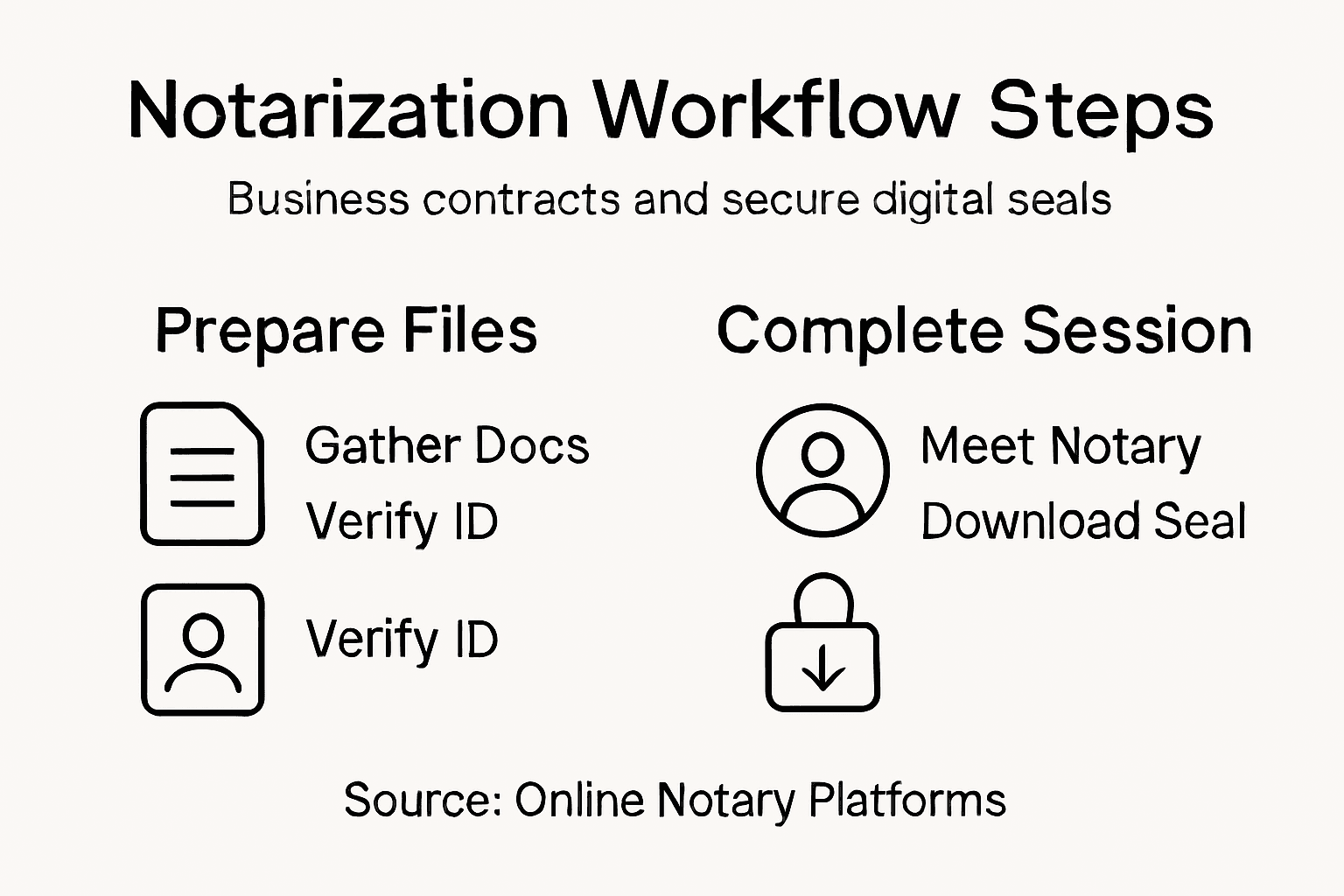
Check your email for the notarized document. The notary platform should send you a confirmation message with a link to download your contract. This usually arrives within minutes of your session ending, though some platforms may take a few hours.
When you receive the document, verify it contains all required elements. Look for the notary’s official seal, their signature, the date of notarization, and their commission number. Electronically notarized documents are digitally certified with tamper-evident protection to ensure authenticity and prevent unauthorized changes.
Here’s what to check on your certified contract:
- Notary’s official seal is clearly visible
- Notary’s full name and commission number appear
- Notarization date matches your session date
- Your signature is present on the document
- All contract terms remain unchanged from what you signed
- File format is acceptable (typically PDF)
Download the certified contract and save it to a secure location on your computer. Create a backup copy on cloud storage like Google Drive or OneDrive for safekeeping. You’ll likely need this document for business records, partner communications, or legal compliance.
If you’re sharing the notarized contract with other parties, send the officially sealed PDF version, not a photocopy or scanned image. Partners and stakeholders will recognize the notary’s seal as proof of authentication and legal validity.
For international business transactions, check whether your contract needs additional certification. Some countries require apostilles or authentication certificates beyond standard notarization. Contact your business partner or legal advisor to confirm requirements before assuming your notarized contract is sufficient for international use.
Keep your notarized contract accessible. You may need to present it to banks, government agencies, or other organizations during business transactions. Store it with other critical business documents in an organized filing system.
A properly notarized and sealed contract is your proof of authenticity—treat it as an official business document and protect it accordingly.
Pro tip: Download and save your notarized contract immediately upon receipt, then verify all elements are correct before relying on it for business purposes—waiting until you need it could mean discovering issues when you have no time to fix them.
Effortless Online Business Contract Notarization Awaits You
Navigating the complexities of notarizing important business contracts can feel overwhelming, especially when you need to gather the right documents verify identities and ensure every detail is precise. If delays due to incomplete forms or confusing processes cause frustration you are not alone. Our services understand the challenges you face like confirming your authority to sign for your Ontario-based small business and securing legal authenticity efficiently.

Discover how our Uncategorized – The Online Notary solutions simplify every step from document uploads to secure digital notarization. Take advantage of trusted online notary services tailored for Ontario businesses delivering fast results with guaranteed compliance. Visit The Online Notary and complete your notarization confidently today. Your official notarized contract is only a few clicks away. Start now and skip the wait.
Frequently Asked Questions
What documents do I need for business contract notarization?
Before notarizing a business contract, gather the original contract, a valid government-issued photo ID, any supporting documents, and a list of signatories. Ensure all sections of the contract are filled in completely to avoid delays during your appointment.
How do I select a reliable online notary service?
To choose a trusted online notary service, check for regulatory compliance, positive customer reviews, and security features like encryption. Look for a platform with a clear pricing structure and responsive customer support to ensure a smooth notarization process.
What should I do after completing the notarization session?
After the notarization session, check your email for the notarized document and verify that it contains the official seal, signature, and accurate details. Download the document immediately and save it securely to ensure you have access for future business needs.
How can I make sure my contract is properly prepared for notarization?
To ensure your contract is ready for notarization, review all terms and conditions, fill in any blanks, and check that the document is legible. Upload the complete contract to the notary platform at least 24 hours before your appointment to catch any potential issues early.
What happens if I don’t understand the terms of my contract?
If you’re unclear about any terms in your contract, consult with a lawyer before your notarization appointment. The notary will not provide legal advice, so it’s important to clarify any questions you have prior to signing.
How long does the notarization session take?
The notarization session typically lasts about 10 to 15 minutes. Log in a few minutes early and have all necessary materials ready to ensure a timely and efficient process.
Recommended
- How to Prepare for Online Notary: Step-by-Step Guide – The Online Notary
- How to Notarize Online in Ontario 2025: Easy Guide – The Online Notary
- How to Notarize Online in Ontario 2025: Easy Guide – The Online Notary
- How to Get Documents Notarized Online in Ontario 2025 – The Online Notary
- Hire a Bookkeeper in Birmingham (2026 Guide) | IBACO Recruitment
- Xolapp – Run your business without admin stress





