
TL;DR:
- Online notarization in Ontario is fully legal and requires specific compliance steps.
- Proper preparation includes internet, government-issued ID, supported browser, and a private space.
- Strict adherence to regulation requirements ensures the document’s validity and acceptance.
Legal deadlines don’t wait. Whether you’re filing an affidavit for a court matter, preparing a statutory declaration for immigration, or finalizing a solemn declaration for a business transaction, missing a notarization window can derail everything. For Ontario residents juggling remote work schedules and tight timelines, traveling to a notary’s office is often impractical. The good news is that online notarization is now a fully legal, regulated option in Ontario, and this guide walks you through exactly how to do it right, from setup to signed document, without cutting corners on compliance.
Table of Contents
- What you need before starting online notarization
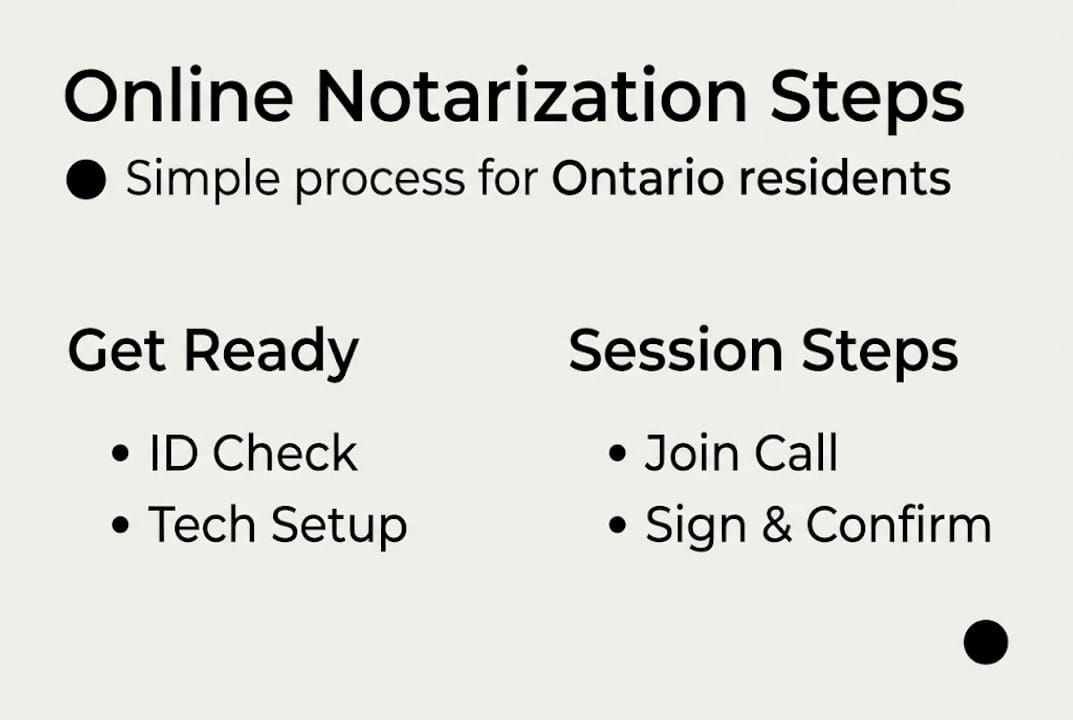
- Step-by-step online notarization instructions
- Key legal requirements and compliance tips
- Troubleshooting and common online notarization mistakes
- Why online notarization compliance is more than just ‘checking the box’
- Choose trusted online notary services in Ontario
- Frequently asked questions
Key Takeaways
| Point | Details |
|---|---|
| Legal requirements | Ontario allows online notarization under strict conditions set out in Regulation 431/20. |
| Step-by-step process | Having the right tools and ID is crucial for a smooth remote notarization session. |
| Compliance is critical | Proper documentation, modified jurat, and recordkeeping are essential for legal validity. |
| Troubleshooting tips | Be prepared for common issues like tech failures and double-check your details before submission. |
What you need before starting online notarization
Now that you understand why online notarization matters, it’s essential to prepare the right setup so your session proceeds smoothly. Skipping this preparation phase is one of the most common reasons sessions get delayed or documents get rejected.
First, let’s cover the technology you need:
- A computer, laptop, or tablet with a working camera and microphone
- A stable, reliable internet connection (wired is better than Wi-Fi when possible)
- A supported browser such as Chrome or Firefox, updated to the latest version
- A quiet, well-lit, private space where you won’t be interrupted
- Your document saved in an electronic format (PDF is standard)
- Government-issued photo ID such as a passport, driver’s license, or permanent resident card
You also need to confirm one critical legal point: remote commissioning is permitted via electronic means under Ontario Regulation 431/20, but only when all parties are physically located in Ontario during the session. This isn’t a technicality you can overlook.
Data security matters too. Use a private network, not public Wi-Fi, and ensure your device has up-to-date antivirus software. You’ll be sharing personal identification and sensitive legal documents during the session.
| Requirement | Details |
|---|---|
| Device | Computer or tablet with camera and mic |
| Internet | Stable broadband connection |
| ID | Government-issued photo ID |
| Document format | PDF or accepted electronic format |
| Location | All parties physically in Ontario |
For a broader look at what to expect before your appointment, the online notarization process guide covers the full picture from start to finish.
Pro Tip: Test your camera and microphone at least 15 minutes before your scheduled session. A last-minute tech failure can cause you to miss your appointment slot entirely.
Step-by-step online notarization instructions
With the right tools and documents in hand, you’re ready to follow the proven process for online notarization in Ontario. Here’s exactly how it works.
- Book your appointment. Schedule a session with a licensed Ontario commissioner of oaths or notary public who offers remote services. Confirm they operate under Regulation 431/20.
- Upload your document. Before the session, submit your affidavit, statutory declaration, or other legal document through the platform’s secure portal.
- Join the video call. At the scheduled time, connect via the platform’s real-time audio-video link. Real-time audio-video communication is required so the commissioner can see, hear, and communicate with you directly.
- Verify your identity. Hold your government-issued photo ID up to the camera. The commissioner will confirm your name, photo, and ID details match.
- Review the document together. The commissioner will ask questions to confirm you understand the document’s contents and are signing voluntarily.
- Apply your electronic signature. Using the platform’s signing tool, you’ll apply your legally compliant electronic signature to the document.
- Commissioner applies the e-seal. The commissioner adds their notarial electronic seal and a modified jurat that notes the remote nature of the session and both parties’ locations.
- Download and store your notarized document. Save a secure copy immediately and back it up.
| Traditional notarization | Online notarization |
|---|---|
| In-person office visit required | Completed from any Ontario location |
| Paper document and wet signature | Electronic document and e-signature |
| Standard jurat | Modified jurat noting remote process |
| Office hours only | Flexible scheduling available |
For a deeper walkthrough, the full online notary guide and the resource on getting documents notarized online both offer additional context.
Pro Tip: Read your document thoroughly before the session. The commissioner will ask if you understand it, and hesitation can raise questions about the validity of your declaration.

Key legal requirements and compliance tips
As you work through the online process, it’s crucial to ensure every step is fully compliant with Ontario’s remote commissioning laws. Compliance isn’t optional; it’s what makes your document legally enforceable.
Here are the non-negotiable requirements under Regulation 431/20:
- The commissioner must verify that you understand the document and are signing of your own free will
- Both the commissioner’s location and your location must be recorded for the audit trail
- A modified jurat is required on the document, specifically noting that it was commissioned remotely and stating both parties’ locations
- Electronic signatures must meet the legal standards set out in the regulation
- The commissioner must keep a detailed record including the method, date, both locations, and the type and number of your ID
Important: A notarized document without a proper modified jurat may be rejected by courts, government agencies, or foreign institutions. This single detail has derailed otherwise complete applications.
For proper ID submission, review the guidance on uploading ID for online notary to make sure your identification meets the required standards before your session.
One often overlooked point: the Regulation 431/20 compliance framework was designed to mirror the rigor of in-person notarization. That means the commissioner carries real professional accountability for every session. Choosing a commissioner who takes that seriously protects you.
Statistic to know: Ontario introduced remote commissioning rules in 2020 in response to the pandemic, but the rules have since become a permanent fixture of the province’s legal services landscape, reflecting how widely the practice has been adopted.
Troubleshooting and common online notarization mistakes
Even with careful preparation, hiccups can arise. Here are the practical solutions and preventative measures to help you steer clear of problems.
Common issues and how to fix them:
- Poor audio or video quality: Close all other browser tabs and applications before your session. If quality drops mid-session, disconnect and reconnect immediately.
- Unstable internet: Switch to a wired ethernet connection if possible. Mobile hotspots are a backup, not a first choice.
- Browser compatibility issues: Stick to Chrome or Firefox. Safari and older browsers often cause platform errors.
- Unreadable ID: Make sure your ID is not expired, not glare-affected, and held steady in front of the camera. Practice this before the session starts.
- Not reading the document beforehand: This is the most avoidable mistake. The commissioner will ask if you understand what you’re signing. Not knowing the contents can stall or invalidate the session.
- Missing or incorrect personal details: A wrong middle name or address in the document can cause rejection downstream. Double-check every field.
The step-by-step remote notary guide provides additional troubleshooting scenarios specific to Ontario’s platform requirements.
Pro Tip: Dress and behave as you would in a lawyer’s office. The session may be recorded for audit and compliance, and any error in the process may invalidate the document.
One more thing many people forget: check that the final document includes the correct modified jurat before you close the session. Once the call ends, corrections require starting over.
Why online notarization compliance is more than just ‘checking the box’
Most people approach online notarization as a task to complete quickly. Upload the document, show the ID, sign, done. But that mindset is exactly what leads to rejected applications and costly delays.
Here’s the uncomfortable truth: the speed of online notarization can work against you if it creates a false sense of security. We’ve seen situations where documents were technically signed and sealed but later rejected because the jurat didn’t properly reflect the remote process, or because the commissioner’s record was incomplete. The document looked valid. It wasn’t.
Understanding online notary in 2026 means recognizing that the remote notarization legal basis was built to be rigorous, not just convenient. Every compliance requirement exists because a court, agency, or institution will eventually scrutinize that document. The audit trail isn’t bureaucratic overhead. It’s your protection.
Extra diligence upfront, reviewing the jurat, confirming the record-keeping, verifying your ID is current, saves you from restarting the entire process weeks later under even more time pressure. Compliance is the product. Everything else is just the delivery method.
Choose trusted online notary services in Ontario
When you’re ready to act on these instructions, choosing a reputable online notary ensures your documents are handled with legal rigor and professionalism.

Our trusted online notary services are available to Ontario residents and businesses for affidavits, statutory declarations, invitation letters, solemn declarations, and more. Sessions are flexible and designed to meet the compliance standards of Regulation 431/20 at every step. Before you book, review the identification requirements so you arrive fully prepared. Getting it right the first time saves you time, stress, and the cost of redoing a rejected document.
Frequently asked questions
Is online notarization legally recognized in Ontario?
Yes, remote commissioning is permitted under Ontario Regulation 431/20 as long as all specified conditions, including real-time video, identity verification, and proper record-keeping, are met.
What identification is needed for online notarization in Ontario?
You must present government-issued photo ID such as a passport or driver’s license on camera. The commissioner confirms your identity by reviewing the ID details in real-time during the video session.
Are electronic signatures valid for notarized documents in Ontario?
Yes, electronic signatures are valid if they comply with Regulation 431/20 and are properly recorded and acknowledged by the commissioner during the session.
What happens if there’s a technology failure during the online notarization?
The session must be restarted from the beginning. Real-time audio-video communication is a legal requirement, so any interruption that breaks the connection invalidates that portion of the process.
Is my online notarization session recorded?
The commissioner may retain a session recording for audit and compliance purposes as required by Ontario law. Treat the session with the same professionalism you would bring to any formal legal proceeding.