
Notarizing documents remotely in Ontario can feel overwhelming without clear guidance on legal requirements and secure procedures. Whether you need an affidavit, statutory declaration, or business contract notarized, understanding how to complete the process online while meeting regulatory standards protects you from fraud and ensures your documents hold legal weight. This guide walks you through Ontario’s legal framework, preparation steps, the notarization process, and common pitfalls to avoid for safe and valid remote notarization.
Table of Contents
- Understanding Ontario’s Legal Framework For Online Notarization
- Preparing For Online Notarization: What You Need Before You Start
- Step By Step Process To Notarize Documents Online In Ontario
- Common Mistakes And Verification: Ensuring Your Online Notarization Is Valid
- Explore Trusted Online Notary Services In Ontario
- What Documents Can Be Notarized Online In Ontario?
- Is Online Notarization Legally Accepted In Ontario?
- How Do I Verify My Identity For An Online Notary?
- What Risks Exist If My Online Notarization Is Not Done Properly?
Key takeaways
| Point | Details |
|---|---|
| Legal foundation | Ontario Regulation 431/20 permits electronic commissioning under strict identity verification conditions. |
| Identity verification | Lawyers must verify identity via secure video or in person; uploading government photo ID is mandatory. |
| Process steps | Schedule with licensed notary, submit ID, join secure video call, receive certified electronic document. |
| Common risks | Skipping proper verification leads to invalid documents, potential fraud, and legal consequences. |
| Trusted services | Using compliant online notary platforms ensures security, validity, and peace of mind. |
Understanding Ontario’s legal framework for online notarization
Ontario Regulation 431/20 establishes the legal foundation for electronic commissioning of affidavits and declarations in Ontario. This regulation works alongside the Commissioners for Taking Affidavits Act to define when and how remote notarization is legally valid. Understanding these rules protects you from submitting documents that courts or institutions might reject.
The regulation sets specific conditions for remote notarization to be legally accepted:
- Commissioners must verify the identity of the person signing the document through secure methods.
- Electronic signatures and commissioning must use approved platforms that maintain document integrity.
- Both the commissioner and the person signing must retain copies of the notarized document.
- The process must include safeguards against unauthorized access or document tampering.
Traditional notarization requires physical presence, where you meet a commissioner face to face to sign documents. Remote electronic notarization allows this process to happen via secure video technology, expanding access for individuals who cannot easily travel or need urgent document processing. The legal validity remains equal when proper procedures are followed.
Commissioners authorized under the act carry specific responsibilities. They must confirm your identity beyond reasonable doubt, witness your signature in real time, and apply their electronic seal correctly. Failing to follow these steps can render your document legally invalid, causing delays or rejection in legal proceedings.
“Compliance with Ontario Regulation 431/20 is not optional. Documents notarized without following prescribed identity verification and electronic signing procedures may be challenged or rejected by courts and government agencies.”
For individuals and businesses in Ontario, knowing these online notary requirements before starting the process saves time and prevents costly mistakes. The regulation balances convenience with security, ensuring remote notarization serves legitimate purposes while protecting against fraud.

Preparing for online notarization: What you need before you start
Before scheduling your online notarization session, gathering the right materials and setting up your technology prevents delays and ensures compliance with Law Society rules. Proper preparation makes the difference between a smooth 15 minute session and a frustrating experience that requires rescheduling.
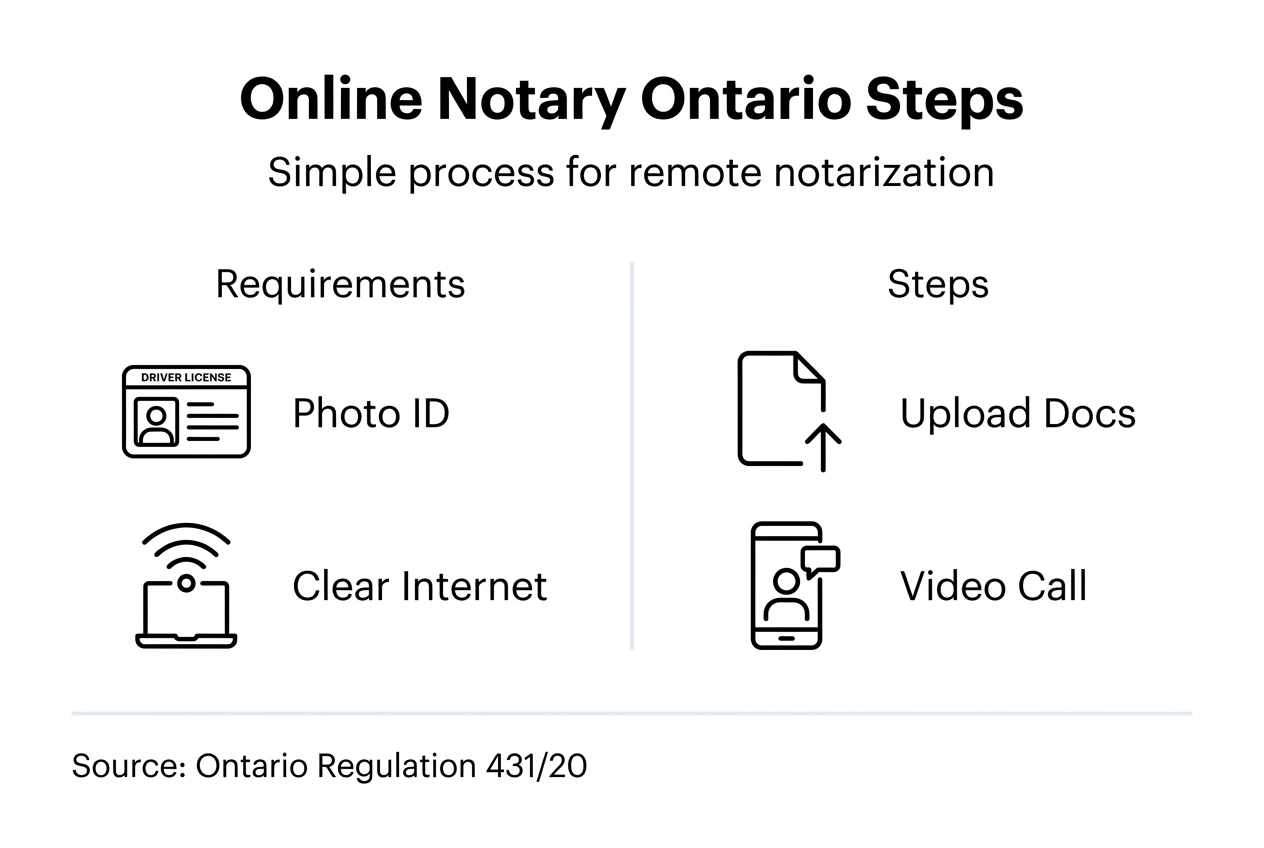
You will need these essential items:
- Government issued photo ID such as a driver’s license, passport, or Ontario photo card.
- A computer, tablet, or smartphone with a working webcam and microphone.
- Stable internet connection capable of supporting video calls without frequent disconnections.
- The document you need notarized, ready in electronic format if submitting digitally.
- A quiet, well lit space where you can complete the video call without interruptions.
Identity verification is the most critical step in remote notarization. Law Society rules require copies of photo ID to be submitted by the client to a third party for electronic verification. This means you will need to upload ID online notary platforms can verify before your video session. The notary or lawyer must confirm your identity matches the ID through the secure video call or in person meeting.
Skipping proper identity verification creates serious legal risks. Without confirmation that you are who you claim to be, the notarized document may be challenged or deemed invalid. This is especially important for real estate transactions, court filings, and business agreements where document authenticity is scrutinized.
| Requirement | Details | Why It Matters |
|---|---|---|
| Photo ID | Government issued with photo and signature | Confirms identity to prevent fraud |
| Video capability | Webcam and microphone on device | Enables real time identity verification |
| Internet connection | Stable broadband or cellular data | Prevents session interruptions |
| Quiet environment | Private space with good lighting | Ensures clear communication and professionalism |
| Electronic document | PDF or acceptable digital format | Allows electronic signing and commissioning |
Pro Tip: Test your webcam, microphone, and internet connection 30 minutes before your scheduled session. Close unnecessary applications that consume bandwidth to ensure the video call runs smoothly without technical glitches.
Once you have these materials ready, you can confidently move forward knowing you meet the requirements for documents notarized online Ontario regulations demand. Preparation eliminates the most common reasons sessions get delayed or rescheduled.
Step by step process to notarize documents online in Ontario
Completing your online notarization involves five clear steps that ensure legal compliance and document validity. Following this process protects you from errors that could invalidate your notarized documents.
Schedule your session with a licensed online notary or lawyer. Choose a commissioner authorized to perform electronic commissioning in Ontario. Verify they are licensed and experienced with the type of document you need notarized, whether an affidavit, statutory declaration, or business contract.
Submit your government issued ID electronically for verification. Upload a clear, legible copy of your photo ID to the notary’s secure platform. This allows them to begin the identity verification process before your video session. Make sure the ID is current and not expired.
Join a secure video call to confirm your identity and witness your signature. At your scheduled time, connect via the notary’s approved video platform. Lawyers must meet clients in person or via secure video to properly verify identity and comply with rules. During the call, you will hold up your physical ID to the camera for comparison, answer verification questions, and sign the document while the notary watches in real time.
Notary completes the electronic commissioning and provides a certified copy. After witnessing your signature, the commissioner applies their electronic seal and signature to the document. They will provide you with a certified electronic copy that has the same legal weight as a traditional notarized document. This typically arrives via secure email or downloadable link.
Store or submit your notarized document according to your legal needs. Save multiple copies of the notarized document in secure locations. Submit it to the court, government agency, or institution that requires it. Keep a backup for your records in case you need to provide copies in the future.
Pro Tip: Before your video session begins, review the document you are signing to ensure all information is accurate and complete. Once notarized, making changes requires starting the entire process again, which costs additional time and fees.
This straightforward process allows you to notarize documents online Ontario residents rely on for affidavits, declarations, and contracts without leaving home. Following each step carefully ensures your document meets all legal requirements and will be accepted by the institutions that need it.
For comprehensive guidance on the full process, explore this detailed notarize online Ontario guide that covers additional scenarios and document types.
Common mistakes and verification: Ensuring your online notarization is valid
Even with clear procedures, certain mistakes can compromise the validity of your online notarized documents. Recognizing these errors and knowing how to verify your notarization protects you from legal complications.
Typical mistakes that invalidate online notarizations include:
- Skipping proper identity verification by using platforms that do not meet Law Society standards.
- Using unsecured video conferencing tools like consumer grade apps instead of approved legal platforms.
- Ignoring regulatory requirements such as submitting ID for third party verification.
- Signing documents outside the view of the notary’s camera during the video session.
- Failing to retain copies of the notarized document for your records.
The convenience of e signatures without proper verification can threaten the integrity of the legal system. When identity confirmation is inadequate, the risk of impersonation rises dramatically. Someone could fraudulently sign documents in your name, leading to property theft, unauthorized contracts, or financial loss.
| Valid Notarization | Invalid Notarization |
|---|---|
| Identity verified via secure video or in person | Identity assumed without video verification |
| Government photo ID uploaded and checked | No ID submitted or expired ID accepted |
| Approved platform with encryption and audit trails | Consumer video app with no security features |
| Signature witnessed in real time by commissioner | Document signed offline and uploaded later |
| Electronic seal applied by licensed notary | Generic digital stamp with no legal authority |
To verify your notarized document is valid, confirm these elements:
- The commissioner’s electronic seal and signature appear on the document.
- You received the notarized copy directly from the licensed notary or their secure system.
- The document includes the date and location of commissioning.
- You can contact the commissioning authority to confirm the notarization if questioned.
When improper procedures are followed, the consequences extend beyond inconvenience. Courts may reject improperly notarized affidavits, delaying legal proceedings. Government agencies may refuse statutory declarations that lack proper commissioning. Business partners may challenge contracts if notarization integrity is questioned.
“Identity impersonation and document fraud are not theoretical risks. Without rigorous verification, unauthorized individuals can sign legal documents that bind you to obligations or transfer your property without consent.”
For business contracts requiring notarization, following proper procedures is especially important. Review this business contract notarization guide to understand how to protect commercial agreements through compliant online notarization.
Verifying each step of your online notarization process and avoiding these common mistakes ensures your documents stand up to legal scrutiny and serve their intended purpose without challenge.
Explore trusted online notary services in Ontario
Now that you understand the legal requirements and process, connecting with reliable online notary services makes completing your notarization simple and secure. Trusted online notary services in Ontario operate 24/7, providing licensed commissioners who follow all regulatory requirements for electronic commissioning.

These platforms offer key benefits including full compliance with Ontario laws, secure identity verification that meets Law Society standards, and quick turnaround times that fit urgent deadlines. Whether you need an affidavit notarized for court proceedings, a statutory declaration for immigration purposes, or a business contract properly commissioned, expert services handle your documents with professionalism and legal precision.
Choosing the right platform matters. Compare features, pricing, and user reviews through resources like this best online notary solutions comparison to find the service that fits your specific needs. Understanding online notary requirements helps you evaluate whether a platform truly meets regulatory standards or cuts corners that could invalidate your documents.
What documents can be notarized online in Ontario?
Affidavits, statutory declarations, solemn declarations, real estate documents, business contracts, invitation letters, and powers of attorney can be notarized online in Ontario. Most documents requiring a commissioner’s signature and seal qualify for remote notarization. However, certain sensitive documents may have specific restrictions depending on the receiving institution, so confirm eligibility with your notary before proceeding. For detailed information on eligible document types, see types of affidavits Ontario covers.
Is online notarization legally accepted in Ontario?
Yes, online notarization is legally accepted in Ontario when it follows the requirements outlined in Ontario Regulation 431/20. Proper identity verification through secure video or in person meetings and correct electronic commissioning procedures are essential for legality. Documents notarized online under these conditions carry the same legal weight as traditional in person notarizations. Courts, government agencies, and institutions accept them without question when procedures are followed correctly. Learn more about online notary services Ontario residents trust for compliant notarization.
How do I verify my identity for an online notary?
You verify your identity by submitting government issued photo ID electronically to the notary’s secure platform before your session. Clients must submit photo ID to a third party for electronic verification and meet notaries via secure video or in person. During the video call, you will display your physical ID to the camera and answer verification questions to confirm your identity matches the submitted documentation. This two step process ensures proper identity confirmation that meets regulatory standards. For step by step instructions on submitting ID, visit upload ID online notary.
What risks exist if my online notarization is not done properly?
Inadequate identity verification can lead to impersonation, fraud, and serious legal consequences. Risks include fraudulent signing where someone else signs documents in your name, potential property theft or unauthorized transfer of assets, and documents being declared invalid in court or legal proceedings. Your personal and professional reputation may suffer if documents you rely on are challenged or rejected. Following proper procedures with licensed commissioners using secure platforms eliminates these risks and ensures your notarized documents protect your interests rather than expose you to liability.
Recommended
- Online Notary Services in Ontario: What You Need to Know 2025 – The Online Notary
- Online Notary Accessibility—What It Means in Ontario – The Online Notary
- How to Notarize Documents Online in Ontario: Fast & Secure Guide to Online Notary Services (2025) – The Online Notary
- Adapting to Remote Work: Complete Guide for Organisations|CS





